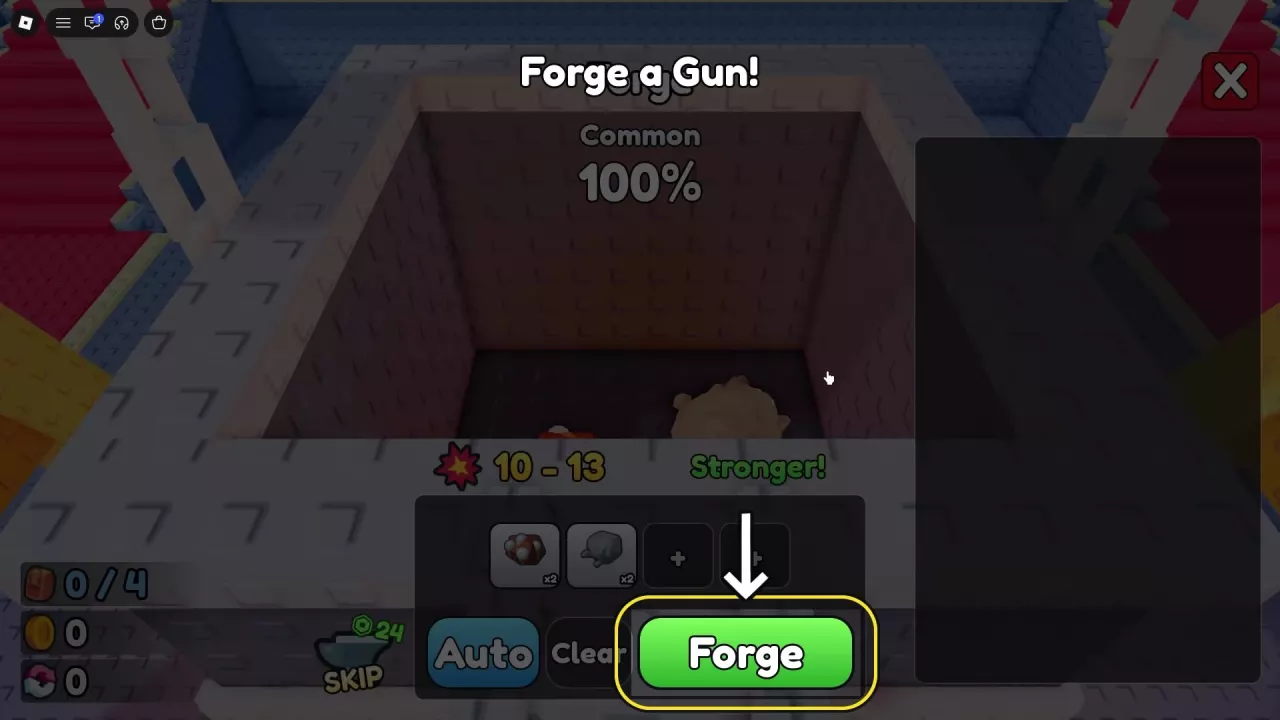
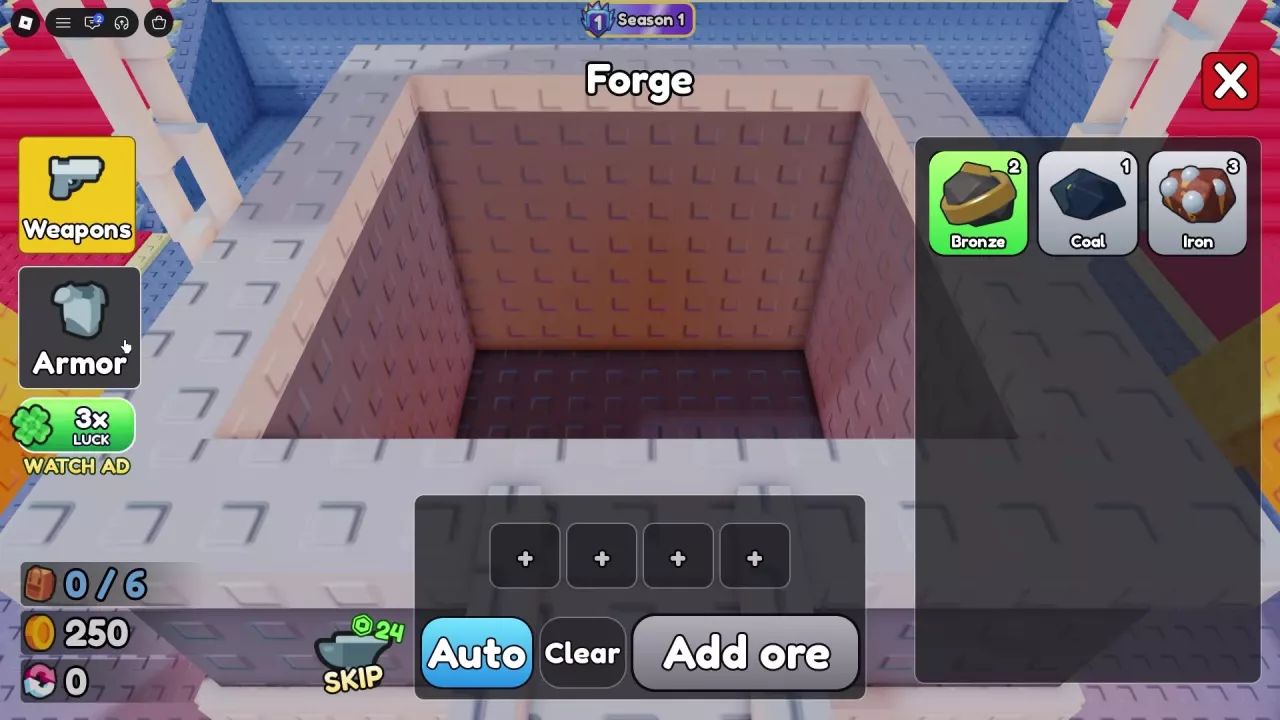
Bring at least four ores to the lobby Forge. If you need a particular material, use the ore directory to find its sources and uses.
- Approach the forge and press E at the Open prompt.
- Select Weapons for a gun or Armor for protective equipment.
- Click ore cards in your inventory to select at least four ores in total.
- Read the rarity chances and stat preview. Weapons previews Power; Armor previews Health beside a heart icon.
- Click the green Forge button to commit the batch.
- Wait for the forging sequence, inspect the result card, and click anywhere when prompted to continue.
For a gun, check its class, rarity, Power, Value, and Slots. For armor, check its equipment Slot, rarity, Health, Value, and Slots. Armor can produce helmets or body armor; the result card tells you which slot the piece occupies.
Value is the finished item's value, not a forge-fee label. Use Power or Health to assess the relevant stat, and consider Slots when comparing equipment. See gun equipment and stats or armor slots and Health choices for choosing and equipping the result.